
Write your way
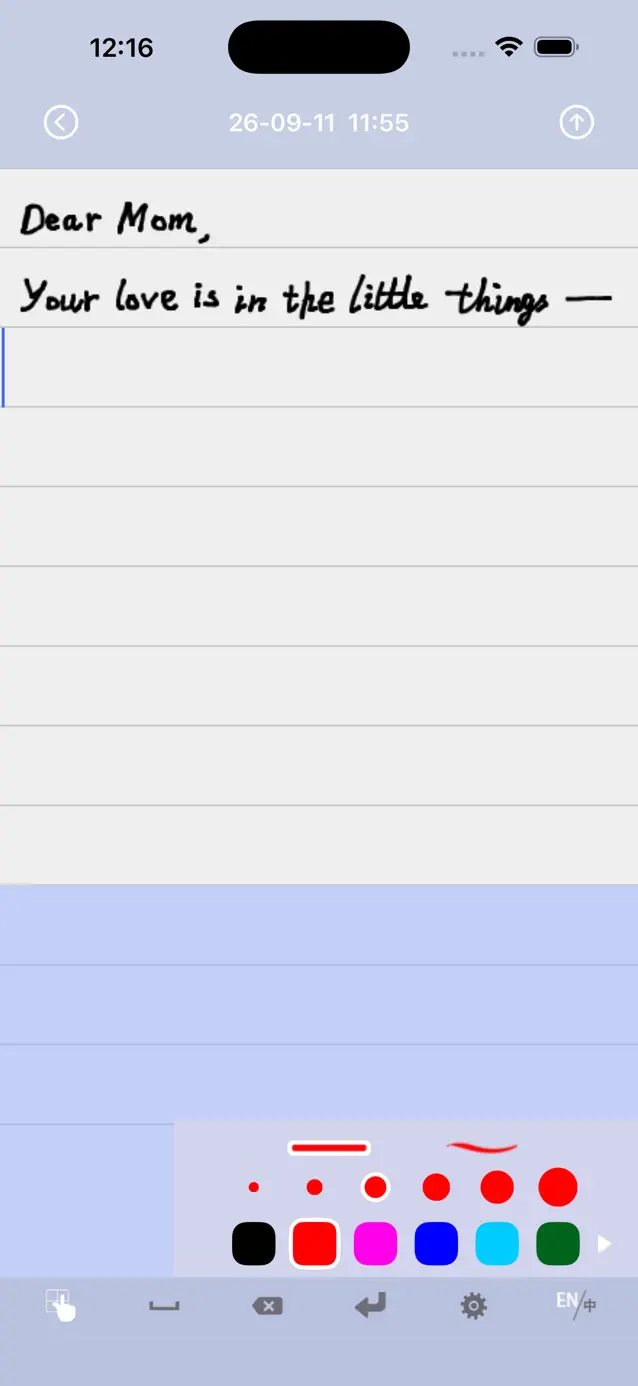
Use the handwriting pad, choose a ballpoint or brush pen, and adjust the color and width of your strokes.
A notebook for iPhone & iPad
Capture ideas, make lists, and write personal notes. All you need is your finger and a place to start.
Free to start · iOS and iPadOS 16+
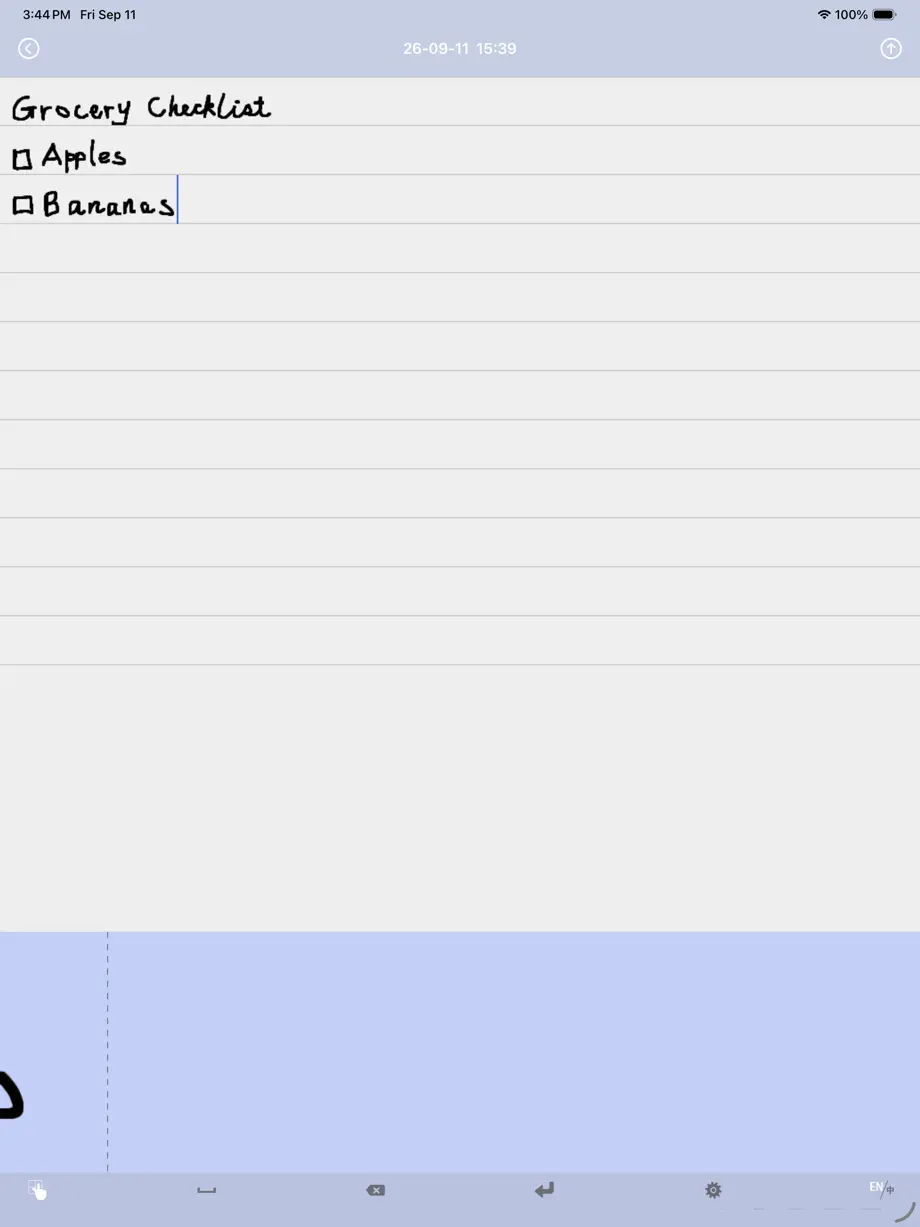
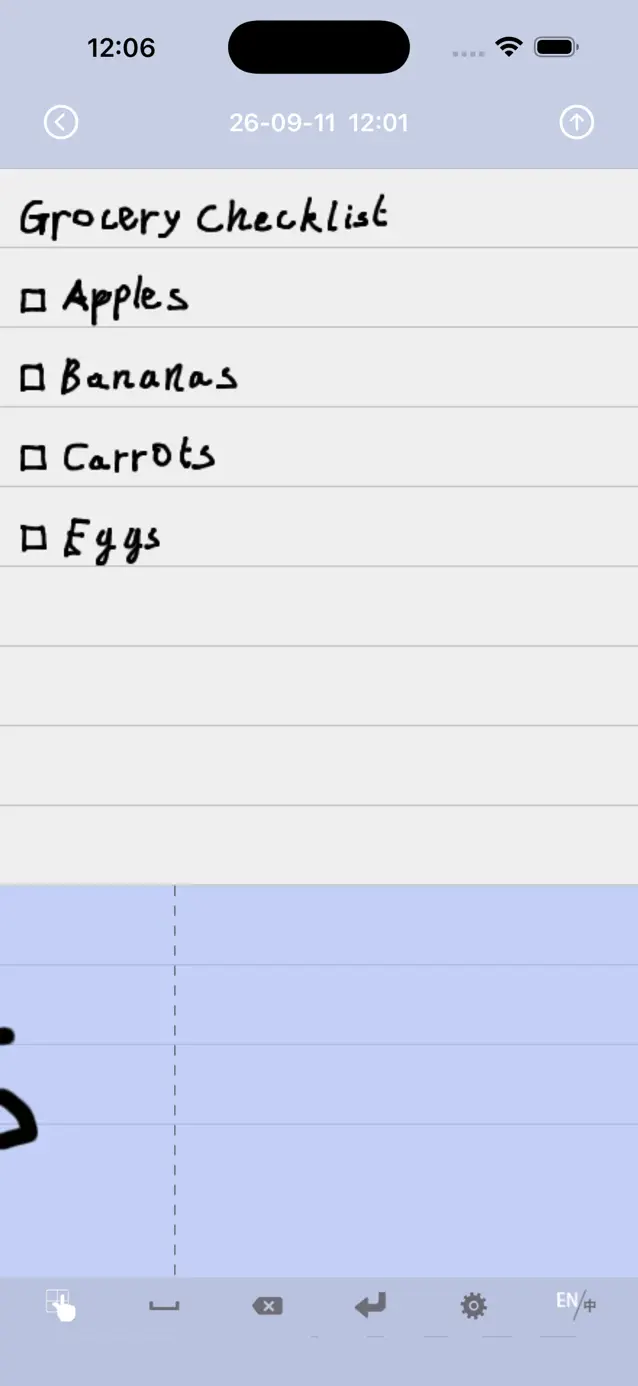
Start with a blank page, edit your handwritten words, and send a finished note just as you wrote it.
Use the handwriting pad, choose a ballpoint or brush pen, and adjust the color and width of your strokes.
Browse previews to find a note, then move the cursor or select and edit your handwriting. Changes save automatically.
Send a personal note or save a copy to Photos through the iOS share sheet. The image keeps your handwriting intact.
Create and edit notes offline without an account. Keep up to five notes free, or unlock Unlimited Notes with a one-time purchase.
Learn about Unlimited NotesFind help with sharing, purchases, and keeping your notes safe.